
01
Separate official support from the community mod
The official Steam demo page lists Single-player in its feature information. That is the documented official mode in the evidence reviewed here, so downloading the demo alone should not be described as obtaining built-in co-op. The multiplayer route in this article comes from AleDev11's own Nexus mod page. The author explicitly calls the mod unofficial and unaffiliated with the game's developer.
The saved mod snapshot, reviewed on September 28, 2026, includes version 0.17.0. Treat the following instructions and limitations as the author's description of that version, rather than this site's test results. We have not downloaded, installed or run the package. Compatibility with later builds, successful connection on your computer and the safety of individual library files are 待确认 here.
04
The installation procedure described on Nexus
AleDev11 instructs players to unzip the download and copy its mods folder beside FindTheNeedle.exe. The page points to Steam's Manage and Browse local files options to locate that folder. It then asks players to open override.cfg in the same location and add the configuration below. These are reported author instructions; no download or file modification was performed for this guide.
[autoload]
MPMod="*mods/multiplayer/mp.gd"
If override.cfg already contains an [autoload] section, the author says to add only the MPMod line under that section. The next described step is launching from Steam, where a MULTIPLAYER main-menu entry should appear. The author warns that game updates replace override.cfg, requiring the lines to be added again. Review the author's current page before applying these saved instructions to a newer version.
05
Hosting, invitations and the connection model
The author's host sequence is MULTIPLAYER, CREATE GAME, INVITE FRIENDS, then start or load a save as usual. Other players join by accepting the Steam invitation. AleDev11 says the connection uses Steam's relay network and does not require port forwarding, IP addresses or a VPN. This is the documented connection model, not a network configuration we have tested.
The page describes in-game chat on Y and a resynchronization key on F8. It also says the multiplayer panel does not display IP addresses, Steam IDs or lobby codes. If an invitation fails, first compare the group’s versions and confirm that everyone launched through Steam, because those are explicit author requirements. The saved evidence does not establish a guaranteed fix for every connection failure or a supported maximum player count.
06
Version 0.17.0 changes guest-fed machine input
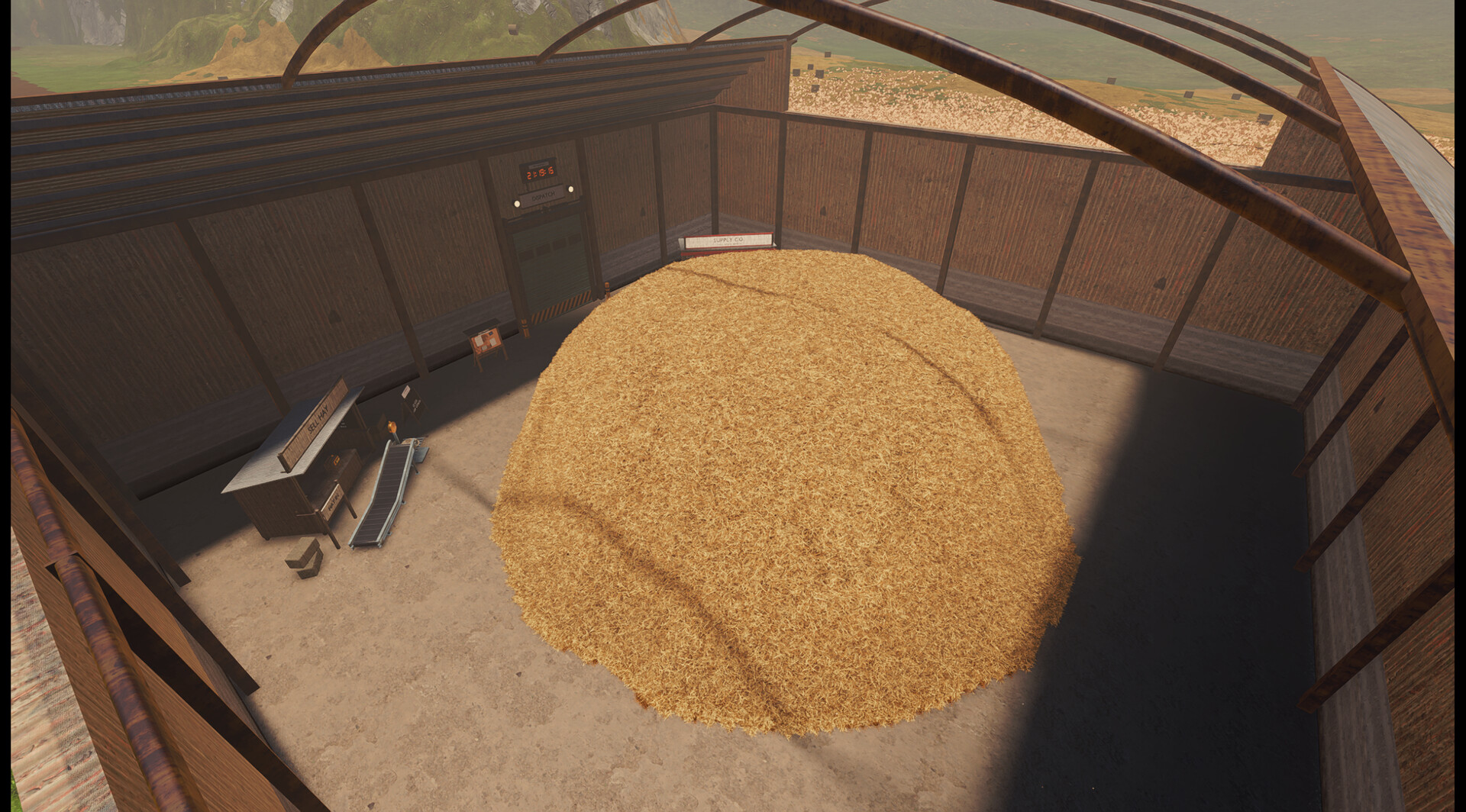
The 0.17.0 changelog says hay placed into a machine by a guest now counts. AleDev11 explains that the host takes over an item resting at a machine's input so the machine processes it once on the host. An item a player is carrying is left alone, according to that explanation. The author reports checking this with two instances; that is the author's test, not our own verification.
An older 0.16.0 note says guest-fed hay was not yet accepted and the host still had to load machines. That specific limitation is superseded by the 0.17.0 changelog and should not be presented as the current rule for the reviewed version. Machines still run on the host only, which the author describes as preventing duplicate counting. Distinguish the host's simulation role from the newer ability of guests to supply input.
07
Saves, tool visibility and leaderboard limits
According to AleDev11, only the host saves the session, and clients never write to their own save files. Choose the host with that ownership in mind and agree who will keep the shared progress for the next session. The page also says hay carried on a shovel or fork is not drawn for other players. Bare-hand contents and straw on the ground are described as visible, so some missing carried-hay visuals are an acknowledged limitation.
The author says the online leaderboard is disabled while the mod is loaded. A modded co-op run therefore should not be planned around submitting an online leaderboard result through that session. The page does not establish an independent client save export or a transfer procedure for moving the host's world to another player. Those additional save features and any leaderboard behavior after uninstalling are 待确认 here.
08
Package contents, removal and remaining unknowns
The author lists GDScript files, a farmer model, GodotSteam and Valve's Steamworks SDK redistributable as package contents. The page links a public repository and says the mod contains its own scripts rather than game files. Those statements identify what AleDev11 says is distributed; they do not establish that this site inspected every file or verified library safety. Avoid treating an author description as an independent security assessment.
For removal, the author says to delete the added configuration line and the mods folder. Preserve your original configuration when making changes so removal can be understood in terms of the edit you actually performed. The strongest supported answer remains official single-player plus a separately documented unofficial co-op option. Installation success, later-version compatibility and behavior outside the author's stated conditions stay 待确认 until directly verified.
Questions
What players ask
Does the demo have official multiplayer?
The saved Steam page lists Single-player. The co-op option discussed here is AleDev11's unofficial Nexus mod, not a built-in feature confirmed by the developer.
Does everyone need the same mod version?
Yes, according to the author. The reviewed snapshot describes version 0.17.0 and requires the same version for every player, the demo at build V26 or newer, Windows 64-bit and launch through Steam.
Who saves a co-op session?
The author says only the host saves; clients do not write to their own save files. Money is shared, purchased tools are per player, and the online leaderboard is disabled while the mod is loaded.